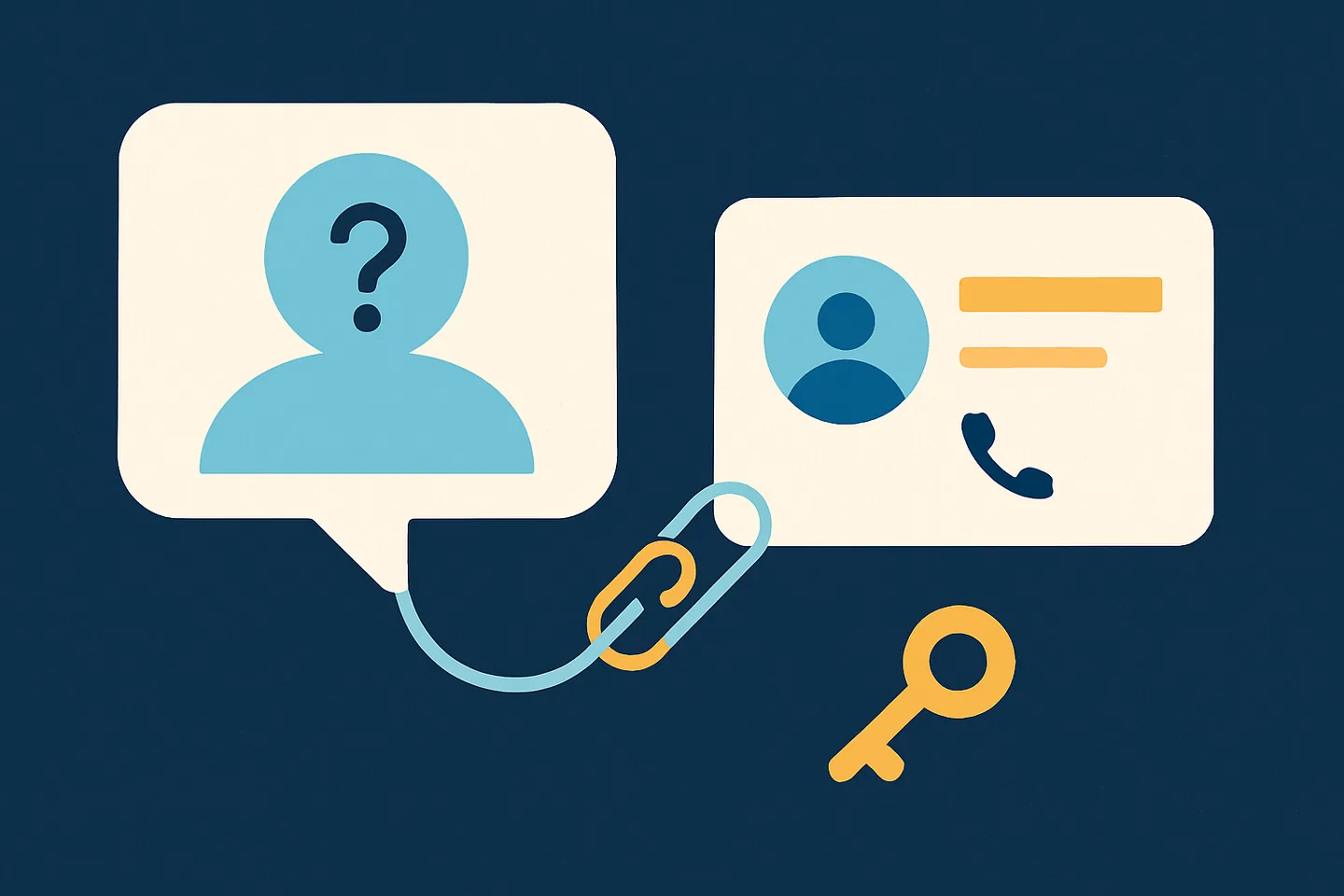
For as long as WhatsApp has existed, a person was their phone number. Every tool built on top of WhatsApp, from a spreadsheet of customers to a full CRM, quietly relied on that: the number was the key that joined the chat to the person. In 2026 that stopped being true for most new conversations. WhatsApp now identifies many people with a LID, a long anonymous number that is not a phone number and cannot be turned into one.
This guide explains what a LID is, why WhatsApp is doing it, what it silently breaks in the tools businesses use, and why no tool can simply look the number up. It then explains how Spun handles it: the conversation works as before, and one tap connects it to the right person so notes, deals, tasks and history attach again. We say plainly what Spun can do on its own and what still needs you.
What a WhatsApp LID is
Inside WhatsApp, every chat has an address. For years that address was the phone number followed by a suffix, so a business tool could read the number straight off the chat. A LID (short for linked ID) is a different kind of address: a string of digits that WhatsApp assigns to an account, ending in "@lid" instead of the old suffix. It identifies the same person consistently, but it says nothing about their phone number.
The digits look like they could be a number, which is the first trap. A LID is typically twelve to fifteen digits long, which is the same length as an international phone number, and a careless tool will happily put a plus sign in front of it and call it one. It is not one. Dialling it reaches nobody, and treating it as a phone is how customer records get attached to the wrong person.
The important property is the one that hurts: there is no formula, table or trick that turns a LID back into the phone number behind it. The link exists only inside WhatsApp. A tool learns it when WhatsApp chooses to send both identifiers together, and otherwise it does not learn it at all.
Inside Spun you will never see the word LID. A chat that arrived this way is simply marked "Not identified yet", which is what it is from your point of view: a real conversation with a real person whose number WhatsApp did not share.
Why WhatsApp is doing this
The change is a privacy feature, and from WhatsApp's side it is working exactly as intended. A phone number is a permanent, globally unique identifier that follows a person across every service they use. Handing it to everyone you message, including businesses and the people in the same group as you, was a design choice from an era when nobody expected WhatsApp to become the place where a billion people talk to shops, clinics and schools.
LIDs let WhatsApp keep chats working while withholding the number. They are also the plumbing behind usernames, which WhatsApp has been building so that people can be reached without ever giving out a phone number. Once a username is the way you find someone, the number underneath has to be optional, and a LID is what the account is called when the number is not on the table.
None of this was announced as a change for business tools, and there is no switch to turn it off. Whether a particular chat arrives with a number or without one is decided by WhatsApp, per person and per conversation, and it can change over time in either direction.
Related: WhatsApp usernames: how they work and what changes for businesses
How fast it is happening, in our own data
We measured this across every Spun workspace on 1 September 2026. Of new one-to-one conversations created each month, the share that arrived with a LID and no phone number was zero in March 2026. It was 72 percent in May, when the wave arrived, and 90 percent in September. Nine out of ten new conversations now start without a phone number.
Two things did not change, and it matters to say so. Chats that existed before roughly May 2026 kept their numbers, their contact links, their notes and their history; WhatsApp did not rewrite anything that was already there. And messaging itself is untouched: sending, receiving, media, voice notes, groups and search all work exactly as before on a LID chat.
What did change is subtler and worse: the same person can now appear twice. Someone who messaged you in March has a phone-based thread with all of your history. When they message again today, WhatsApp may open a new, anonymous thread for the same person, and nothing connects the two. To you it looks as if a long-standing customer went quiet in the summer and a stranger started writing. Reuniting those threads is the real job, not just learning a number.
What it breaks in a CRM or inbox tool
The rule is simple. Anything that only needs the message text keeps working. Anything that needs to know which person a chat belongs to goes dark, because the person was always identified by their number.
The unpleasant part is how quietly it fails. Nothing shows an error. The contact name is missing, so the chat shows a raw ID or a string of digits. Notes, labels and custom fields have no record to attach to. A deal card cannot be created, because a card is a contact. Reminders and tasks keyed on the contact have nothing to key on. Searches like "customers with no reply this week" silently skip the chat. Email or SMS to that person is impossible, since there is no address on file. Both the tool's makers and its users tend to conclude that a feature is broken or was never built, when in fact it is working on a person the tool cannot see.
| Feature | On a chat with a number | On a LID chat, in a tool built on phone numbers |
|---|---|---|
| Sending and receiving messages | Works | Works |
| Contact name on the chat | Shown | Missing, or a raw ID |
| Notes, labels, custom fields | Attach to the person | Nothing to attach to |
| History across conversations | One person, one history | Split into unrelated threads |
| Deals and pipeline | Card per contact | No card possible |
| Tasks and reminders about the person | Attach to the contact | Nothing to key on |
| Email or SMS to the same person | Available | No address on file |
| Contact-based filters and reports | Include the chat | Silently exclude it |
The middle column is how tools worked until 2026. The right column is what happens when the tool assumes a phone number and does not get one.
Why nobody can convert a LID into a phone number
It is tempting to assume there is a lookup somewhere. There is not one that a business tool can use safely. The pairing of a LID and a number lives in WhatsApp's systems, and it reaches a tool only when WhatsApp includes both identifiers in something it sends: a message, a chat list, a contact entry. If WhatsApp sends only the LID, the tool has the LID and nothing else, and no amount of cleverness changes that.
The unsafe shortcuts are worth naming because some tools take them. Guessing by name is one: two contacts called Sarah is enough to merge two different customers into one record, and there is no undo for a wrong merge that has already mixed their notes. Probing WhatsApp with lookups to force the pairing is another: querying numbers you have no conversation with is exactly the behaviour WhatsApp's anti-abuse systems watch for, and it puts the business number itself at risk. A serious tool does neither.
That leaves the two honest sources. WhatsApp itself, on the occasions it passes both identifiers together, which a tool can notice and remember. And you, the person who actually knows who the customer is, which is the most reliable source of all and the one Spun is built around.
Related: The reasons WhatsApp bans numbers
How Spun keeps the CRM usable
Spun treats the LID as a valid identity in its own right and the phone number as something that may or may not arrive later. That one decision is what keeps the inbox working. A conversation that arrives without a number shows up in your chat list like any other, with the name the person set on WhatsApp if they set one, and "WhatsApp user" if they did not. You reply, forward, translate, search and file it exactly as before.
Open the conversation and the contact panel on the right shows a small card: "Not identified yet. This WhatsApp conversation does not include a phone number." Underneath are two actions. "Link to a contact" opens a picker of your contacts, most recent first, and connects the chat to the person you choose. "Add as new" names the chat as a new contact, with a number or an email added later if you ever get one. That is the whole task: one tap per person, once. Spun remembers it permanently and the conversation joins that contact's record from then on.
You do not have to work through a backlog. Spun deliberately does not pour thousands of anonymous chats into your contact list. A contact record is created only when something real happens: a message is sent or received, or you add a note, put the person on a pipeline stage, fill in a detail, name them or link them. Chats that were merely synced from history never become contacts on their own, and an unnamed record stays out of your exports, your Google Sheets and your default contact list until you name or link it.
- 1
The chat arrives and works
It appears in the list under the person's WhatsApp name. Replying, media, voice notes, translation and search all work. Nothing is hidden and no phone number is invented.
- 2
The panel says what is missing
"Not identified yet" with a one-line explanation. No red banner, no error, and the same footer every time: messaging works normally, linking adds notes, history, tasks and email.
- 3
You link it, or name it, once
"Link to a contact" for a person already in your book; "Add as new" for a genuine newcomer. Whichever you choose, the chat is now attached to a person and every CRM feature has something to attach to.
- 4
Everything that was waiting turns on
Notes, deals, tasks, custom fields and the contact's history are now one record. Email becomes available once the contact has an email address, SMS once it has a number.
| Before you link the chat | After you link or name it | |
|---|---|---|
| WhatsApp messages, media, voice notes | Works | Works |
| Name shown on the chat | Their WhatsApp name, or "WhatsApp user" | The contact's name |
| Notes, contact details, deal stage | You can add them; doing so names the chat as a new contact | Attached to the person |
| Tasks, reminders, scheduled messages | Work on the conversation | Work, and show under the contact |
| Labels | Not yet | Attach through the contact |
| History with the same person on an older thread | Two separate threads | Both threads under one contact |
| Email, SMS, calls, Spun Chat | Not available, shown as "WhatsApp only - no phone number yet" | Available once the contact has the address or number |
| Exports, Google Sheets, contact list | Left out until named | Included |
Threads are not spliced together: a customer with an old phone-based thread and a new anonymous one keeps two threads, both under the same contact, so nothing is rewritten and nothing is lost.
Related: One conversation per person, across channels · WhatsApp CRM pipeline
The rules Spun follows when it links
Linking two records is the one place where a tool can quietly damage your data, so the rules are strict and worth knowing.
- Spun never guesses. The picker sorts your contacts by how recently you spoke to them and nothing else. There is no "suggested match" based on a similar name, because a wrong suggestion accepted in a hurry merges two customers.
- Linking an unnamed chat to a contact is reversible. Spun records what it did and offers "Unlink" in the same card; one tap puts the chat back where it was.
- Linking a chat that already has notes or details of its own is a merge, and Spun asks first. The confirmation says exactly what it means: this combines two contacts into one, and it cannot be undone with a single tap.
- A merge loses nothing you wrote. Existing values win over empty ones, tags are combined, notes are joined together, and if either record was marked as opted out of messages, the merged record is opted out too.
- History stays where it is. Two conversations with the same person remain two conversations, both shown under one contact. Spun does not rewrite or interleave message history.
- The link is yours. If WhatsApp later suggests a different pairing for a chat you linked by hand, Spun records the conflict and shows it quietly; it never silently swaps a person you chose.
When the number does arrive on its own
Sometimes WhatsApp passes both identifiers together, most often when you message a person by their number and the reply comes back on their LID. Spun watches for exactly that and, when it happens, connects the anonymous thread to the phone-based contact automatically: if the contact already exists, the anonymous record folds into it under the same rules as a manual merge; if only the anonymous record exists, it simply gains the number.
We will not oversell this. Today WhatsApp shares the pairing rarely, and Spun does not go looking for it by querying numbers, for the reasons in the section above. Treat automatic connection as a bonus that removes some of your taps, and one-tap linking as the thing you can rely on. We built it that way on purpose: WhatsApp may share numbers less over time, not more, and a CRM that only works when it does would be a CRM that stops working.
Whatever Spun learns about a pairing stays inside your workspace. A number learned in one customer's inbox is never used to identify a chat in another customer's inbox, and it never feeds any shared directory. Logs do not carry the pairs either.
The mistake to check any tool for: IDs stored as phone numbers
Because a LID is the same length as a phone number, a tool that was not built for it will often put a plus sign in front of the digits and store the result as the person's number. From then on every feature believes it. The number gets exported, synced to a spreadsheet, used to look up an existing customer, and once in a while it collides with a real number that belongs to someone else, at which point a stranger's record, notes and history are attached to the wrong chat.
Spun made this mistake too, for a period in mid-2026, and fixed it at the root rather than with a patch. Every place a number is written now refuses digits that came from a LID, the database itself rejects a LID conversation that carries a phone number, the affected rows (809 conversations across seven workspaces, and 36 contacts in one of them) were quarantined with a copy kept for audit, and a counter fires on every blocked attempt so "zero fake numbers" is something we can watch, not something we assert.
If you use any other WhatsApp tool alongside Spun, this is the thing to check: open a chat that shows no contact name and see whether the tool claims to know a phone number for it. If it shows one, ask where it came from.
What to do as a business
- 1
Expect it, and stop planning around phone numbers
Nine in ten new conversations now arrive without one. Any process that starts with "take the number from the chat" needs a different first step.
- 2
Link chats when you need them, not in bulk
The moment you want to add a note, set a reminder, put someone on a pipeline or email them is the moment to link. There is no deadline and no backlog to clear.
- 3
Prefer linking to an existing contact over adding a new one
A returning customer on a new anonymous thread is the most common case. Linking reunites their history; adding them as new creates a duplicate you will have to merge later.
- 4
Ask for the number or email when it matters
You still need a phone number to send SMS or to start a brand-new WhatsApp chat, and an email address to email. A single question in the conversation is the reliable way to get it.
- 5
Audit the tools you already use
Check whether your current tool invents numbers, guesses matches by name, or probes WhatsApp with lookups. Each one is a way to lose or corrupt customer data quietly.