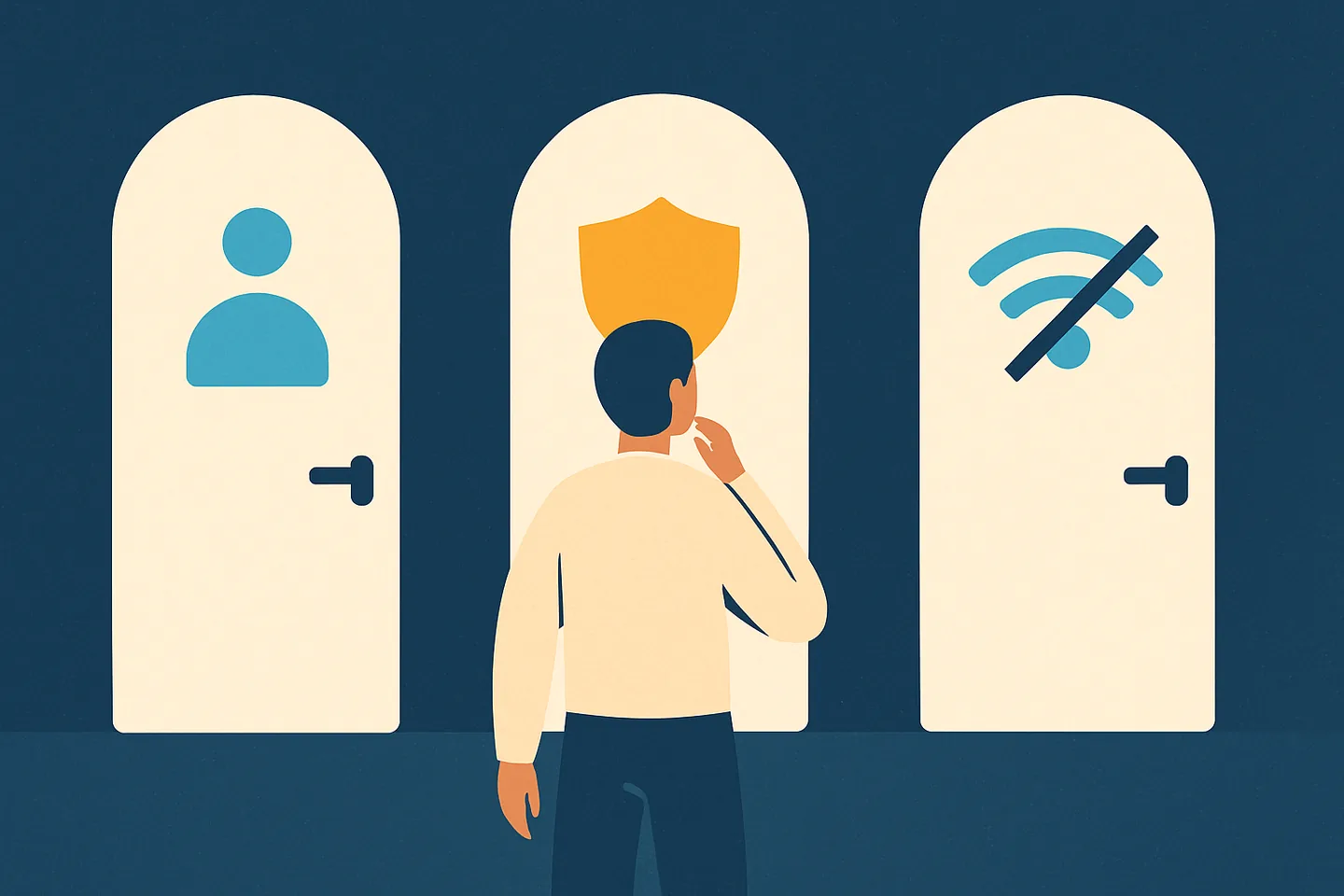
“My WhatsApp number is blocked” is one sentence that describes four unrelated problems. One person means a customer stopped receiving their messages. Another means old chats still send but every new chat fails. A third means the app itself refuses to open with a message about their phone number. A fourth means WhatsApp will not connect at all on the office Wi-Fi. The fixes have nothing in common, and most advice online answers the wrong one.
This page sorts out which one you have. It takes about two minutes, it needs no third-party app, and at the end it points you to the right guide for the actual fix.
The four things “blocked” can mean
There is also a fifth, smaller case that gets typed the same way: you blocked a number yourself and want to undo it. That is a settings question, and the guide on blocking and unblocking contacts covers it.
- A contact blocked you. One specific person will not receive your messages or calls. WhatsApp works normally for everyone else. This is a privacy feature the other person switched on, and WhatsApp never tells you it happened.
- WhatsApp restricted your number. The app opens and your existing chats still work, but messages to people you have never chatted with stop going through, calls to new contacts, creating groups, adding people and linking a device fail, and a timer shows on the screen. People who manage large numbers of business WhatsApp numbers describe this as the reversible middle step before a ban: it lifts on its own when the timer ends.
- WhatsApp blocked your number. The app shows a screen instead of your chats: either a countdown (“Temporarily banned”) or the sentence “This phone number can’t use WhatsApp” with a Request review button. Nobody can reach you and you can reach nobody. This is a ban, and WhatsApp calls it that.
- A network blocks WhatsApp. The app cannot connect, or calls fail, on one particular network: a workplace, a school, a hotel, or a country where the service or its calling feature is restricted. Your number is fine; the pipe is closed.
The two-minute test
Answer these in order. The first one that matches tells you which problem you have.
- 1
Does the app open to your chats?
Open WhatsApp. If you see your chat list, WhatsApp has not banned your number, whatever anyone told you. Skip to step 3. If instead you see a full-screen message about your phone number, go to step 2.
- 2
Read the screen wording
A countdown means a temporary ban. “This phone number can’t use WhatsApp” with a Request review button means a permanent ban that can be appealed. The same sentence with no button means, in WhatsApp’s words, “the ban is final and can’t be appealed”. All three are WhatsApp blocking you. Go to the ban guide.
- 3
Old chat versus new chat
Send a message in a chat you already have, then start a chat with a number you have never messaged. If the old chat sends and the new one fails, and the app shows a timer, you are restricted. Wait for the timer; the restricted section below explains what not to do meanwhile. If both send, go to step 4.
- 4
Can you message anyone at all?
Send a message to a friend or a second phone. If it gets two ticks, your account and your connection are working. The problem is with one contact: go to step 5. If nothing goes through to anyone, and calls fail too, go to step 6.
- 5
Check the signs of a contact block
Messages to that one person stay on a single grey tick for days, their last seen and online status are gone, their profile photo never changes, and your calls to them ring but never connect. Any one sign alone proves little; all of them together, for days, points to a block. The contact-block guide has the group test that gets closest to certainty.
- 6
Switch networks
Turn Wi-Fi off and use mobile data, or the other way round. If WhatsApp springs back to life on the other network, the network was blocking it, not WhatsApp and not a contact. If it fails on every network, check for an app update, restart the phone, and then treat it as a connection problem rather than a block.
The one thing WhatsApp does not do is “block” your number from messaging one particular person as a punishment. A ban from WhatsApp applies to the whole account and shows up as a screen when you open the app. If the app opens to your chats, the number is not banned; at most it is restricted, which step 3 catches.
If a contact blocked you
Nothing on your side is broken, and nothing on WhatsApp’s side needs fixing. Messages sent while you are blocked are never delivered, even if the person later unblocks you; they stay on one grey tick.
For a business, one customer blocking you is feedback, and several is a pattern. WhatsApp shows report and block buttons to anyone who receives a first message from a number they do not have saved, and its published enforcement paper says it weighs reports and blocks against the relationship between the two accounts. Blocks from people you cold-messaged count more than a block from a long-standing contact. If customers are blocking your number, the fix is upstream: message only people who expect to hear from you, answer quickly, honour opt-outs the moment they arrive, and keep broadcasts rare.
If WhatsApp blocked your number
This is a ban, and the wording on the screen decides what you can do about it.
A countdown means a temporary ban. WhatsApp’s Help Center links this screen to two causes, an unofficial version of WhatsApp or scraping, and warns that continuing may lead to a permanent ban. Wait for the timer, remove the cause, and do not reinstall or switch apps to speed it up.
The permanent ban screen offers a Request review button. Tap it, write a short factual note, and wait for the in-app notification; most reviews are completed within 24 hours. One appeal per number, from the banned number. Contacting WhatsApp another way, or through someone else’s account, does not change the outcome, and no third-party service can lift a ban.
While the number is banned you cannot reach your chat history or backups. If the review succeeds you will see “This account can now use WhatsApp” and re-register the number.
If you use the number for marketing, the ban almost certainly came from a sending pattern: bulk or automated sends, broadcasts to people who never saved you, lists that were not yours, or messages to people who asked you to stop. The ban guide takes the causes and the appeal apart in detail.
Related: WhatsApp banned your number? Why it happens and what to do next · How to get a WhatsApp number unbanned
If WhatsApp restricted your number
This is the middle state, and the one most often mistaken for a ban. Your number stays signed in and every existing chat keeps working. Messaging someone you have never chatted with, calling a new contact, creating a group, adding people and linking a device are blocked until the timer on the screen ends. If you run the number on a computer through a linked-device tool, it shows as a split: messages to existing chats go through, messages to new people do not.
The description comes from people who manage large numbers of business WhatsApp numbers, whose one-line advice is “Pause new-chat work and wait out the timer instead of rotating the number.” WhatsApp publishes no timer length. Do not re-register, reconnect or move the number to another phone while it runs; the restriction lifts on its own, and what caused it, usually a burst of messages to people you had never chatted with, is what to change afterwards. The ban guide covers the full ladder from restricted to banned.
Related: The restricted account and the ban ladder, in the ban guide
If a network blocks WhatsApp
Some workplaces, schools and public networks filter messaging apps, and some countries restrict WhatsApp calling or the service itself. The tell is consistency: the app fails on that network for everyone, and works the moment you move to mobile data or a different Wi-Fi.
The fix is not on your WhatsApp account, because nothing is wrong with it. Use a different network. On a managed office network, ask whoever runs it; messaging apps are often blocked by category rather than by a deliberate decision about WhatsApp.
One caution for businesses that run their number on a computer through a linked-device tool: if the office network is the problem, do not route around it through a random VPN or proxy. WhatsApp’s enforcement paper lists the reputation of the network a session connects from as one of the signals it scores, and WhatsApp does not publish how it weighs where a session connects from. A connection you own and control, such as your own home or office line, is the plain choice.
Related: Can a shared Wi-Fi, VPN or datacenter connection get your WhatsApp banned
If you blocked a number and want to undo it
Blocked contacts live in WhatsApp’s privacy settings, and a blocked contact cannot message you, call you, or see your status. Unblocking restores all of that from the moment you unblock; messages they tried to send while blocked are not delivered afterwards.
For a business number, keep the blocked list deliberate. Blocking a customer who complained silences them on your side, but it does not remove their ability to report your number to WhatsApp, and a report from someone you messaged first carries weight.
Related: Block and unblock contacts on WhatsApp: settings guide
The problems behind a blocked business number, and how Spun handles each one
If the number is a business line, “blocked” usually traces back to one of three sending habits. Spun connects to your existing number as a linked device, the same mechanism as WhatsApp Web, and has a guard for each; none of them replaces consent.
- 1
Customers keep blocking your number
WhatsApp shows report and block buttons to anyone who gets a first message from a number they have not saved, and weighs those reports most heavily. In Spun the audience filter “Saved contacts only” and the activity filter keep a campaign to people who know you, and STOP or unsubscribe in any of 11 languages applies the DONOTSEND label that every campaign, bot and follow-up respects; whether they wanted the message in the first place is still your call.
- 2
You got restricted after opening dozens of new chats in one afternoon
A burst of conversations with people you have never chatted with is the pattern behind most restrictions, and a spike after a quiet spell makes it worse. Spun’s pace presets put a random gap between messages under a server cap, Keep In Touch keeps normal two-way traffic flowing per label, and the Lead Games spin wheel with “Require WhatsApp before spinning” on by default gets entrants to message you first; pacing reduces the risk, no tool can promise immunity.
- 3
Your number is fine at home but flagged from the office Wi-Fi
WhatsApp lists the reputation of the network a session connects from among the features its models use, and a shared or datacenter connection carries other people’s history. With Self Proxy the linked session exits from your own home or office connection, the inbox warns when the connection region and your location disagree, and a separate line per audience or region keeps one number from carrying all your volume; WhatsApp does not publish how it weighs where a session connects from, so this is about where your session connects from, not a promise about bans.
Where to go next
- App opens, one person is unreachable: a contact blocked you. Read the guide on telling whether someone blocked you.
- App opens, old chats send, new chats fail, a timer shows: WhatsApp restricted the number. Wait for the timer and change nothing meanwhile.
- App shows a countdown or “This phone number can’t use WhatsApp”: WhatsApp banned the number. Read the ban guide, then the unban guide for the review.
- App will not connect on one network but works on another: the network is blocking it. Change networks and, for a business, connect from a line you own.
- You blocked someone and want them back: open the blocked contacts list in privacy settings. The block and unblock guide has the steps per platform.