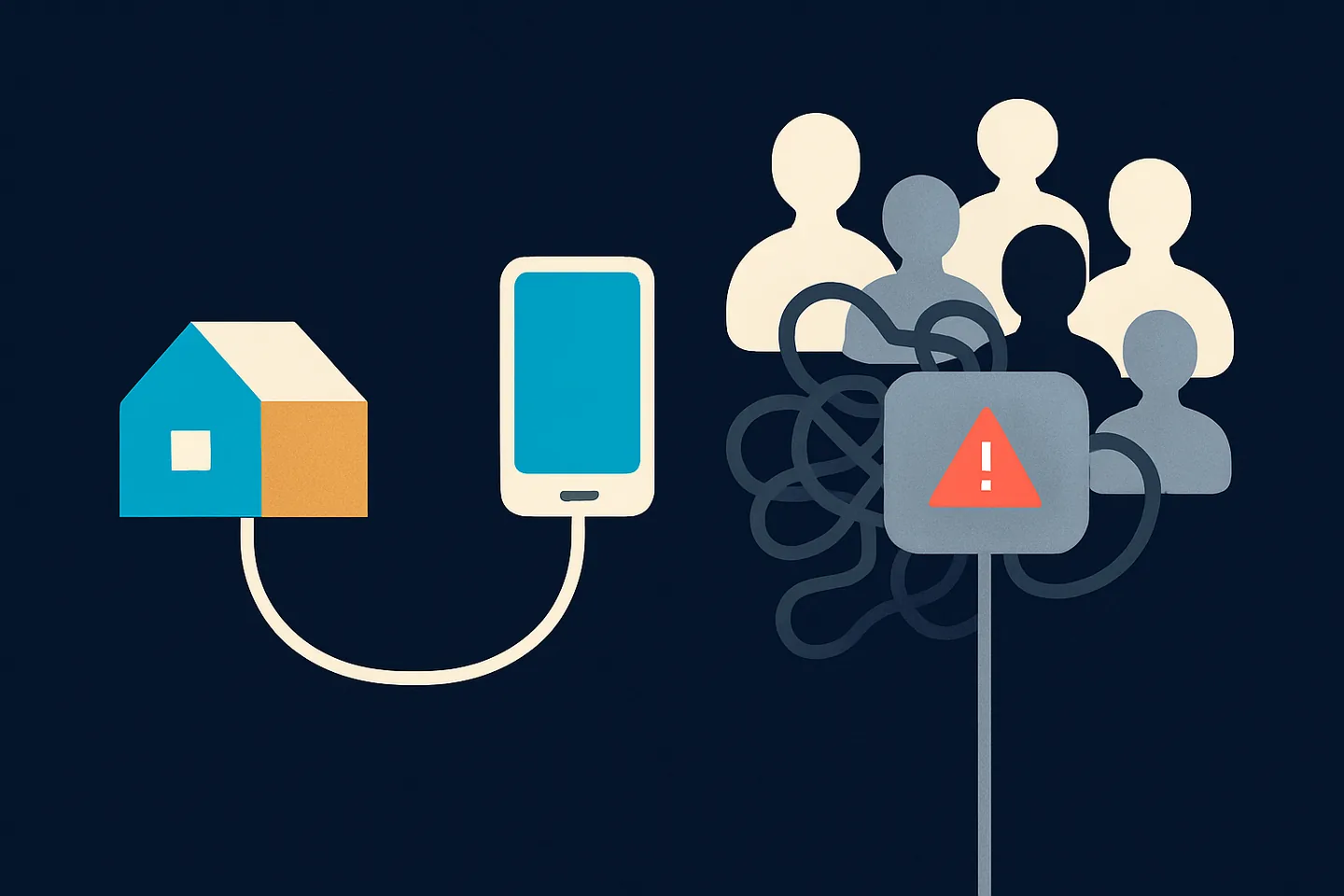
"WhatsApp proxy" means two different things, and mixing them up is how businesses end up renting an address that already has a ban history attached to it. The first is WhatsApp’s own proxy setting, built so people can stay connected where the app is blocked. The second is the proxy a marketing or automation tool attaches to your number so that the linked session appears to come from somewhere other than the tool’s server.
This guide covers both, spends most of its time on the second, and ends with the one property a safe connection needs: an address that is yours, stable, in your country, and shared with nobody whose sending you cannot see.
WhatsApp’s own proxy setting, and what it is for
In 2023 WhatsApp added a proxy option inside the app (Settings, then Storage and data, then Proxy). It exists for one purpose: keeping people connected in places where WhatsApp is blocked or the network is disrupted. You enter the address of a proxy that a volunteer or organisation runs, and your app reaches WhatsApp through it. WhatsApp says messages stay end-to-end encrypted on that path, and that the proxy cannot read them.
That feature has nothing to do with marketing tools, bans, or the address your business number "looks like" it comes from. It is a lifeline for censored networks. If you searched for a proxy because WhatsApp will not connect at all, that is the setting you want, and you should only use an address you trust, because whoever runs the proxy can see that you are connecting even if they cannot read what you send.
Public lists of "free WhatsApp proxies" are the same idea run by strangers. They may work, they may log, and they may vanish. Treat them the way you would treat a stranger’s Wi-Fi.
Why a WhatsApp tool attaches a proxy to your number
When you connect a business tool to WhatsApp by scanning a QR code, you are adding a linked device, the same mechanism as WhatsApp Web. That linked session does not run on your phone. It runs on the tool’s server, and that server has an address in a datacenter somewhere. If the datacenter is far from where your phone lives, the session looks like it is coming from another country.
WhatsApp scores that. Its "Stopping Abuse" white paper lists "reputation of other users sharing the same computer network" among the features its models use, and says the network used at registration is checked for a history of "suspicious behavior". People who manage large numbers of business WhatsApp numbers add that an address in a different country from the phone is a flag on every session, before a single message is sent. WhatsApp does not publish how it weighs any of this.
So tools attach a proxy: an intermediate address that makes the session exit from the country the number belongs to. The idea is sound. The problem is where that address comes from, and who else is using it.
Related: Can a shared Wi-Fi, VPN or datacenter connection get your WhatsApp banned? · Where your WhatsApp connection actually comes from
Mobile proxies: why they look clever and why they keep dropping
A "mobile proxy" (also sold as a 4G or 5G proxy) is a phone or a rack of SIM cards on a mobile carrier, resold so that your traffic exits with a carrier address. The pitch is that carrier addresses look like real phones, because they are. The problem is everything else about them.
Carrier networks put thousands of devices behind a small number of public addresses and change them constantly: when the modem reconnects, when the cell tower hands over, when the vendor rotates on a timer to sell the same SIM to more customers. Every one of those changes drops your linked session. In our experience and by widespread report, mobile proxies have far higher drop rates than any fixed connection, and each drop is a disconnected inbox until the session re-links.
The drops are the ban risk. A session that keeps re-linking from a changing address is exactly the pattern described above, and a carrier address that thousands of strangers share is the shared-pool problem in its purest form. You get the instability of a shared address and the reputation of a shared address at the same time, and you pay a premium for it.
If you are on a mobile proxy today and your number keeps showing "reconnecting", that is not bad luck. It is the product working as designed.
What a safe connection looks like
The list describes one thing: your own internet connection. Not a better pool, no pool at all.
- It is yours. Nobody else’s number has ever exited from it, and nobody else’s ever will.
- It is stable. The address does not change between Monday and Tuesday, so your linked session is not re-linking from new places.
- It is in your country, the same country as the phone the number lives on, so the session and the phone agree.
- It is the address your phone already uses. Your home or office connection is the one WhatsApp has seen your number on since the day you registered it.
- It has never been on a banned number. If an address was in use when a ban happened, providers who run many sessions say it should never be reused; a tool that quietly recycles it is handing you someone else’s history.
The first pairing gets the most scrutiny, so make it the cleanest
Timing matters as much as the address. A newly linked device is judged hardest in its first hours. WhatsApp’s white paper describes exactly this shape: it weighs a fresh account or session against "how suspicious their registration was", checks whether "the computer network used for registration has been associated with suspicious behavior", and bans roughly a fifth of abusive accounts at registration before a single message is sent. A brand-new linked session is the closest thing a business number has to a second registration.
The practical consequence, reported consistently by people who manage large numbers of business WhatsApp numbers: an established session tolerates a mediocre address far better than a first pairing does. A number that has run for months from one clean connection has a history that a single unremarkable hop does not erase. A number whose very first linked session appears from a shared or datacenter address starts with that mark against it, and everything it sends afterwards is read in that light.
So the order matters. Set up the connection you want to keep before you scan the QR code, not after. Pair from your own home or office address, from a computer that will stay on, and do not "try it on the tool’s default first and move it later". Moving a live session to a new address is itself a change WhatsApp sees, and the cheap moment to get it right is the first one.
Spun puts this on the connect screen for the same reason: the "Protect your number before connecting" notice and the "Connect through your own internet" switch sit in front of the QR code, so Self Proxy is in place before the first pairing rather than bolted on afterwards.
If your number is already paired on a shared address and running fine, do not panic-move it today. Plan one deliberate move to your own connection, at a quiet time, and then leave it alone. One change beats a series of them.
Self Proxy: run the session from your own connection
Spun’s answer to shared proxies is to not have one. Self Proxy is a small program you install on a computer you own, on the internet connection your business already uses. Your WhatsApp session then exits to WhatsApp from that connection, the same address your phone uses, and never from a Spun datacenter address. It runs on Windows today and on macOS as a beta, and Self Proxy mobile apps are coming soon, so a phone on your own network can carry the connection as well.
Because the point is stability, the rest of the feature is about not dropping. You can enrol a second computer as a standby, and if the active one goes quiet Spun promotes the standby, but only one that has checked in recently and only in the same country, with a cooldown so a flapping machine cannot bounce your session back and forth. An address that was in use when a ban happened is never reused. The inbox warns you when the region your session connects from and the place you are browsing from disagree.
You still open the inbox from anywhere: a cafe, a hotel, a client’s office. The WhatsApp session itself keeps exiting from home, so what WhatsApp sees does not change when you travel.
The hedge that belongs on every page about this: WhatsApp does not publish how it weighs where a session connects from, so we make no promise about bans. What Self Proxy removes is one variable you can see and control, and it removes the strangers.
Related: WhatsApp banned your number? Why it happens and what to do next
A backup at a relative’s house, so one power cut does not take you offline
One computer on one connection has one obvious weakness: when it is off, your session has no route. The fix is not a shared pool as a fallback, which would bring the strangers back in through the side door. The fix is a second connection that is also yours to vouch for: a parent’s house, a sibling’s flat, a trusted friend’s office, with their permission, on a machine that stays on.
Spun makes that a two-minute job. In the Self Proxy card, "Email the installer to someone" takes the person’s email address and a name for the computer (the placeholder suggests "Dad’s"). They receive a download link, not an attachment, the link needs no Spun account, and it stays valid for 30 days; you can resend it, which issues a fresh link, or revoke it at any time. When they run the installer, the computer appears in your list, labelled with who installed it, and becomes a standby automatically.
From then on the failover rules apply to it like any other standby: Spun only promotes a computer that has checked in within the last minute and a half, only in the same country as your protected connection, and with a cooldown so a flapping machine cannot bounce your session back and forth. You can also promote it yourself the moment you know your main office is about to lose power.
The same-country rule is deliberate and it is the limit to know before you ask a relative abroad. A backup in another country will not take over automatically, because a session that jumps countries is the moving-device pattern this whole page is about. Choose the backup on the same side of the border as the phone.
Ask first, and tell them what it is: a small background service that carries your WhatsApp session out through their connection. It does not touch their WhatsApp, their files or their browsing, and you can remove the computer from your list at any time.
Seven questions before you accept any proxy from a tool
- 1
Is it in place before the first scan?
A new linked device is judged hardest in its first hours. If the tool applies its proxy after you pair, the first pairing happened from the tool’s own datacenter address. Set up your connection first, then scan.
- 2
Is it shared?
Ask who else exits from the same address. "It is a private pool" still means shared with other customers.
- 3
Is it a datacenter, a mobile carrier, or a real home line?
Datacenter addresses are the ones WhatsApp is most used to seeing abuse from; mobile carrier addresses are shared by thousands and change constantly; a fixed home or office line is the only one that is really yours.
- 4
Does it change?
Any rotation, however it is marketed, means your session keeps re-linking from a new place.
- 5
Does it match the phone’s country?
A number in one country connecting from another is a flag before any message.
- 6
What happens when it drops?
Does the tool fail over to another shared address, to nothing, or to a computer you own? A silent switch to a datacenter address is worse than a pause.
- 7
Was it ever used by a banned number?
If the vendor cannot say no, assume yes.
The problems behind proxy bans, and how Spun handles each one
- 1
Your tool put you on a pool with strangers
WhatsApp scores the reputation of everyone sharing an address, and one stranger’s ban travels with it. Self Proxy runs your session from your own home or office connection, so there is no pool; it reduces the risk, and WhatsApp still decides.
- 2
Your mobile proxy drops ten times a day
Each drop re-links the session from a changing address, the pattern providers describe as a trigger, and each one is a dead inbox until it recovers. Self Proxy is a fixed connection with a standby computer of your own in the same country; that computer has to stay on and online, which is the trade.
- 3
You reconnected on the same address after a ban
Providers who run many sessions say a banned address must never be reused. Spun records the address in use when a ban is recorded and refuses to put a number back on it.
- 4
You travel and the session travels with you
A session that jumps between countries is scored as a moving linked device. With Self Proxy the session stays home while you open the inbox anywhere; the inbox warns you if the two ever disagree.
- 5
Your only computer went off for the weekend
No route means a dead inbox until Monday, and the tempting shortcut is a shared fallback address with all its history. "Email the installer to someone" puts a second Self Proxy on a relative’s computer with their permission, and it becomes a same-country standby that takes over on its own; a relative abroad can host a computer, but it will not take over automatically across a border.