Most WhatsApp marketing advice is a list of things not to do. It misses the point. WhatsApp does not ban numbers for breaking one rule. Its systems score behaviour, all of it, all the time, and a number is banned when the combined picture looks like a spammer rather than a business talking to its customers.
So the useful question is not "how many messages can I send" but "what does my account look like from the outside". This playbook is built on that one idea: design your marketing so WhatsApp sees a normal, two-way business account, and the volume you can safely do follows from that.
Everything you do moves a score
WhatsApp published the shape of its anti-abuse system in a white paper called "Stopping Abuse". It describes machine-learning systems that "evaluate hundreds of factors" and act at three stages of an account’s life: "at registration; during messaging; and in response to negative feedback, which we receive in the form of user reports and blocks".
Two numbers from that paper explain why bans feel random. Over 75% of accounts banned for bulk or automated behaviour "did not have any recent user reports", and roughly 20% of bans happen at registration, before a single message is sent. Most bans are triggered not by an angry customer but by patterns: how fast you send, to whom, from where, and whether anyone ever writes back.
That is good news for a real business, because patterns are within your control. The rest of this page is how to produce that pattern on purpose.
Related: WhatsApp banned your number? Why it happens and what to do next · The signals WhatsApp scores before it bans a number
Get them to message you first
This is the most important tactic on the page, in WhatsApp’s own words. Its "How to use WhatsApp responsibly" page opens with: "Only send messages to those who have contacted you first or have requested you contact them on WhatsApp. It’s best to give contacts your phone number so they can message you first."
The white paper explains why direction matters. When a user gets a message from a number not in their address book, WhatsApp immediately shows "report" and "block" buttons, and "when someone reports the first message they receive from an unknown number, we have higher confidence that the report is legitimate". A conversation the customer started cannot produce that signal at all.
People who manage large numbers of business WhatsApp numbers give the same advice from their side of the fence. One widely shared piece of guidance opens with "Have your recipients message you first", through a contact button or a pre-filled chat link, and adds that when you do have to open the conversation, ask a question in the first message so the customer replies with at least something. A giveaway that has to be entered from WhatsApp is the same move: the customer’s first message is the entry.
So make it easy and worthwhile for people to open the chat from their side:
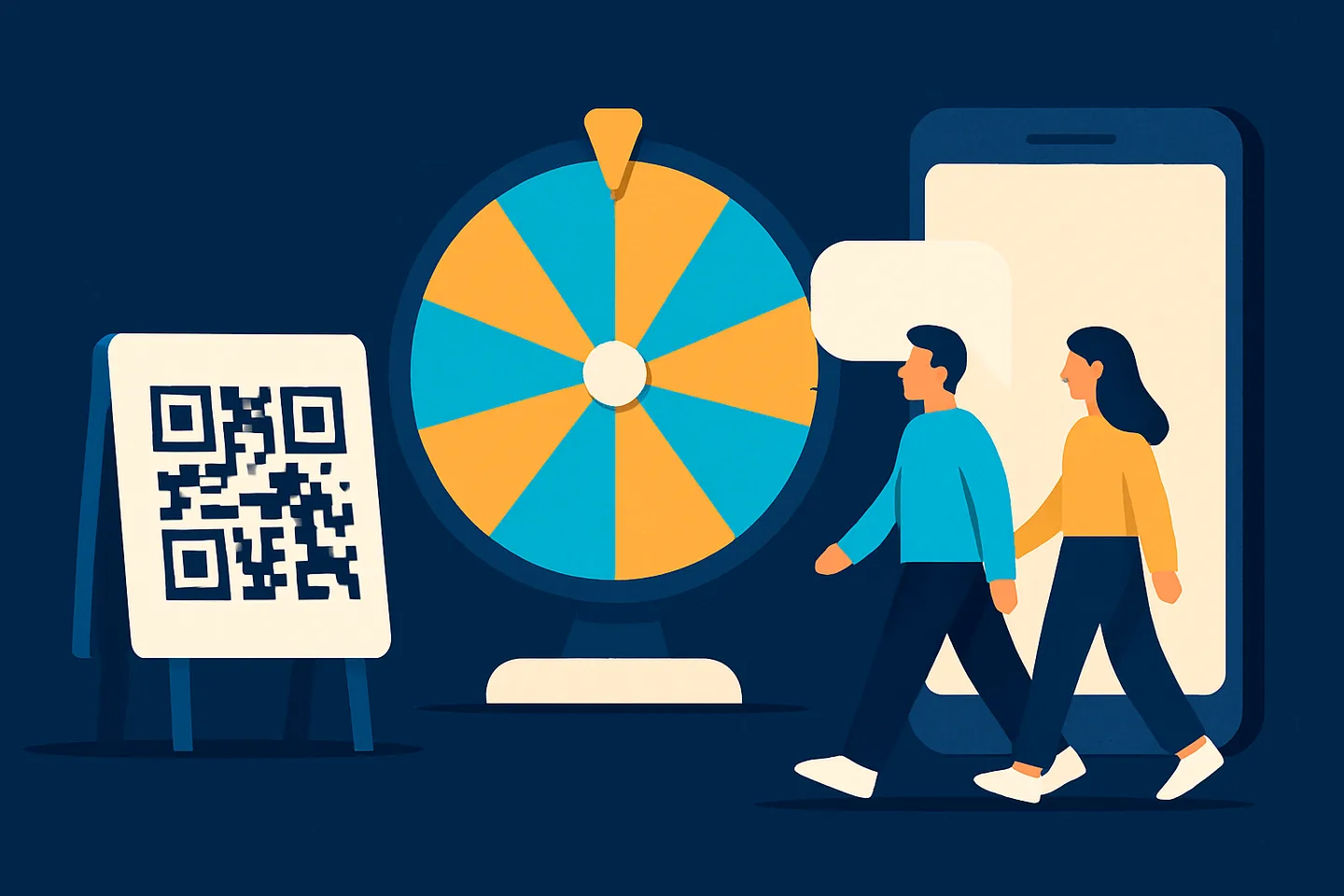
- A QR code on the counter, the menu, the packaging or the van. One scan opens a chat with your number; the customer sends the first message and, if you ask, saves you.
- A wa.me link in your Instagram bio, your email signature, your website and your invoices. Same effect: the customer initiates.
- A giveaway that has to be entered on WhatsApp, such as a spin-the-wheel where the entrant messages you to play. You get a lead who started the conversation, the relationship WhatsApp weighs in your favour.
Related: WhatsApp QR codes and linked devices
Keep the account busy and two-way
WhatsApp describes normal use as slow and conversational: "Normal users operate relatively slowly on WhatsApp, tapping messages one at a time or occasionally forwarding content." A number that is silent for three weeks and then sends four hundred identical messages in an afternoon does not look like that. A number that talks to people every day, in both directions, looks like a business.
The habit that keeps an account two-way is answering. Every unanswered reply is a conversation that ended one-sided; every reply you keep going is evidence that people want to talk to you. If several people share the number, run it from a shared inbox so replies get picked up instead of sitting unread on one phone. Auto-replies help outside opening hours, as long as they have a cooldown so nobody is answered by a robot five times in a row.
How much answering is enough? WhatsApp publishes no ratio, but people who manage large numbers of business WhatsApp numbers do. They advise aiming for at least 30 replies per 100 messages sent, call 50 per 100 the comfortable zone and below 15 the danger zone, and say the ratio matters more than the total: a number sending more with a healthy reply rate is in a better position than one sending less into silence. They also report that unique recipients count more than total messages, so a hundred messages into existing chats is a different thing from a hundred first contacts. These are community-tested estimates from practitioners, not WhatsApp rules, but they give you a number to watch.
Industry reports from 2026 say WhatsApp added a rolling counter of messages that get no reply within 48 hours, accumulated over 30 days, and that an opt-in does not offset it. Whether or not that is exactly how it works internally, the practical advice is sound: prune people who never reply, weekly, rather than once before a campaign. And keep the account human in the small ways: read receipts on, replies, reactions to what customers send.
The second habit is not letting relationships go cold. Spun’s Keep In Touch view lists the contacts you have not spoken with in a set number of days per label; the in-product examples are 7 days for hot leads, 30 for customers and 90 for partners. Ten minutes a day on that list is the steady, personal, two-way traffic WhatsApp treats as normal, and it is good for sales.
Send less, to fewer people, more often
The Help Center is direct about frequency: "frequent use of broadcast messages may lead people to report your messages, and we ban accounts that are reported multiple times." One useful message a week to people who know you beats a daily promotion to everyone you have ever met, on sales as well as on ban risk, because the daily version trains customers to block you.
Segment before you send. The safest campaign goes to people who both saved you and spoke to you recently, and in Spun that is two filters, not a spreadsheet.
Write each message like a message, not an advert. A private chat that reads like a billboard gets a block. Identical text to hundreds of people is also a pattern; Spun can add slight text variations to a campaign if you switch that option on.
People who manage large numbers of business WhatsApp numbers add a set of content habits to that. Read them as field notes rather than rules:
- Address people by name and vary the wording and structure from send to send. Impersonal, identical text to many people is the pattern to avoid.
- Links only with an explanation, only https, only on an established domain, one link per message, and never in a first message to someone who does not know you.
- Group your list by region and send to one region at a time. As one of them puts it, "WhatsApp won’t believe that you have a huge number of friends abroad."
- Complete the profile: a picture and a useful description. A bare profile reads as disposable.
- Go easy on financial vocabulary. Practitioners associate heavy use of words like "payment" and "bank card" with automated scam review.
- Expect heavier moderation around elections and major news events, when practitioners report more accounts blocked regardless of volume or connection. Hold campaigns for a few days rather than push through.
Pace and timing: a bump, not a spike
The white paper gives one explicit example of what gets an account banned "immediately and automatically": "an account that registered five minutes before attempting to send 100 messages in 15 seconds". An established number can produce that shape too. A coaching business we looked at lost its number after forwarding one message to 540 people in three minutes; the ban landed three days later, so the two events did not look connected.
The fix is to send at a pace a person could keep up with, with gaps that are not perfectly regular. The paper describes detection built to "directly target automation", and nothing says automation like a message every 5.0 seconds.
In Spun every campaign send is separated by a random gap from a pace preset, with a server ceiling above it that always wins when it is slower. A fast preset is a request, not a guarantee. You cannot blast, which is the point.
Timing matters too. Campaigns pause overnight by default and each campaign has its own send window. If a campaign is bigger than a day allows, let it take several days; the same messages in one hour look like a script.
Consent in, opt-out always
WhatsApp’s business messaging rules say a business may only contact someone who has "given the business their mobile phone number" and "agreed to be contacted by the business over WhatsApp". The Help Center adds that "a user reaching out to a business doesn’t act as an opt-in" for future promotional messages. That rule is written for the Business API lane, but it tells you what WhatsApp considers consent: a number in your database is not permission. Ask, and keep a record of the answer.
On the way out, be stricter still. The responsible-use page says: "If a contact asks you to stop messaging them, you should remove the contact from your address book and refrain from contacting them again." A person who asked to stop and gets one more message is a person who reports you.
Put a short opt-out line in every campaign. Think of it as the cheaper exit: one common tip is to end a newsletter with "write stop to stop receiving our messages", because it is easier for an unhappy customer to write stop than to tap Report, and every stop is a report you did not get. In Spun, one opt-out word from a contact applies a system label called DONOTSEND, and the contact is off every list, permanently, without anyone on your team having to notice.
Related: This account can’t use WhatsApp due to spam: how spam scoring works
One line per audience
A business that sells in two countries, or to both trade and retail customers, tends to run everything through one number. The result is one number carrying all the volume and all the risk. If it gets restricted, everything stops.
The better shape is a separate line per region or audience, each with its own inbox and contacts. What the split gives you: no single number carries all your volume, and a problem on one line does not take the business offline. It does not mean spreading one campaign across several numbers, which just gives you several numbers at risk.
Connection hygiene: where the session comes from
The last variable is the one almost nobody thinks about. The white paper lists "reputation of other users sharing the same computer network" among the features its models score, and says that "if an active computer network has recently been used by known abusers, we have more reason to believe a new account on that network is likely to be abusive".
A linked-device session (WhatsApp Web, or a tool like Spun) reaches WhatsApp from wherever it runs: a browser on shared office Wi-Fi, or a server in a datacenter. Spun’s Self Proxy runs that session from a computer you own on your own connection, so WhatsApp sees the same address your phone uses and never a Spun datacenter address. WhatsApp does not publish how it weighs where a session connects from, so we make no promise about bans; it removes one variable.
Related: Can a shared Wi-Fi, VPN or datacenter connection get your WhatsApp banned? · Warming up a WhatsApp number, and keeping it warm
The problems behind this, and how Spun handles each one
Each pillar above is a problem a business owner recognises. Here is what goes wrong in WhatsApp’s scoring, and exactly what Spun does about it.
- 1
Nobody messages me first, so every campaign is a cold first contact
A first message to someone who never saved you arrives with Report and Block buttons attached, and a report on that first message is the one WhatsApp trusts most. Spun’s Lead Games spin-the-wheel keeps "Require WhatsApp before spinning" on by default, so every entrant opens the chat with you, and a QR code or wa.me link on the counter does the same for walk-in customers; a wheel only works if the prize is worth a message.
- 2
Replies go unanswered because the number lives on one phone
An account that sends far more than it receives, and leaves what it receives unread, has the shape of a broadcaster. Spun puts the number in a shared inbox so any teammate can answer, auto-replies with a per-chat cooldown cover the hours nobody is there, and Keep In Touch lists who you have not spoken with in 7, 30 or 90 days per label; it shows you who to message, it does not message them for you.
- 3
My list is everyone I ever met, and half of them never saved me
Messages to people who do not have you saved are weighed against your history and are the ones most likely to be reported. Spun’s campaign audience has a "Saved contacts only" switch and an activity filter for people you talked to in the last 7, 30 or 90 days; the filters narrow the list, they cannot make a cold contact warm.
- 4
I need to send 400 messages and my phone does it in three minutes
A burst of identical messages at a fixed interval is the automation pattern WhatsApp describes banning "immediately and automatically". Spun spaces every send with a random gap from a pace preset (Normal 8 to 15 seconds, Conservative 15 to 30), caps the server at 8 a minute by default, always taking whichever is slower, and pauses campaigns in quiet hours from 22:00 to 08:00; the Aggressive preset exists, carries an on-screen ban-risk warning, and is still subject to the cap.
- 5
Someone asked me to stop and my team messaged them again
A contact who asked to stop and hears from you again is the likeliest person to report you, and a report from someone you contacted first carries the most weight. In Spun a STOP, unsubscribe, remove me or not interested in any of 11 languages applies the DONOTSEND label, which every campaign, bot, follow-up and forward path enforces, and a per-contact frequency cap on proactive campaigns plus a warning on campaigns that overlap the last seven days of sends stop accidental double hits; the detection covers what people write to you, so listen for the customer who says it in person.
Spun supports multiple lines, each its own inbox with its own contacts, settings and team access, so you can run one line per region or audience and no single number carries all your volume. A campaign sends from exactly one line; Spun does not spread a campaign across your numbers.