You did not blast anyone. You answered customers from WhatsApp Web at a co-working desk, or you ran a business tool that keeps a linked session open, or you were on a VPN, and one morning the number was restricted or banned. Searching for an explanation turns up forum threads where the same story is told in twenty variations and nobody can prove anything.
This page starts from the one thing that is not a guess: WhatsApp has published, in its own white paper, that the network a session connects from is among the signals its systems score. It then covers where a linked device actually connects from, the scenarios people report, what stays true whatever your network looks like, and the single fix that is genuinely in your hands. WhatsApp does not publish how it weighs where a session connects from, so we make no promise about bans.
The connection is a signal WhatsApp itself says it scores
WhatsApp’s "Stopping Abuse" white paper describes the machine-learning models behind its bans and lists the kind of features they use: "the specific signals, such as number of reports, rate of messaging, reputation of other users sharing the same computer network, and so on". That is a network-level feature, stated plainly, in the same sentence as reports and sending rate.
It comes up twice more. At registration: "our systems can detect if a similar phone number has been recently abused or if the computer network used for registration has been associated with suspicious behavior." And while messaging: "if an active computer network has recently been used by known abusers, we have more reason to believe a new account on that network is likely to be abusive." The paper also says "an IP address and associated carrier information" help its models tell "the difference between bulk and normal registrations".
Three things follow. The network you connect from carries a reputation partly built by other people. That reputation counts more against a new account than an old one. And because these are features in a model that weighs "hundreds of factors", none of this is a rule with a threshold; it is a weight WhatsApp does not publish.
Related: WhatsApp banned your number? Why it happens and what to do next · The signals WhatsApp scores before it bans a number
Where a linked device actually connects from
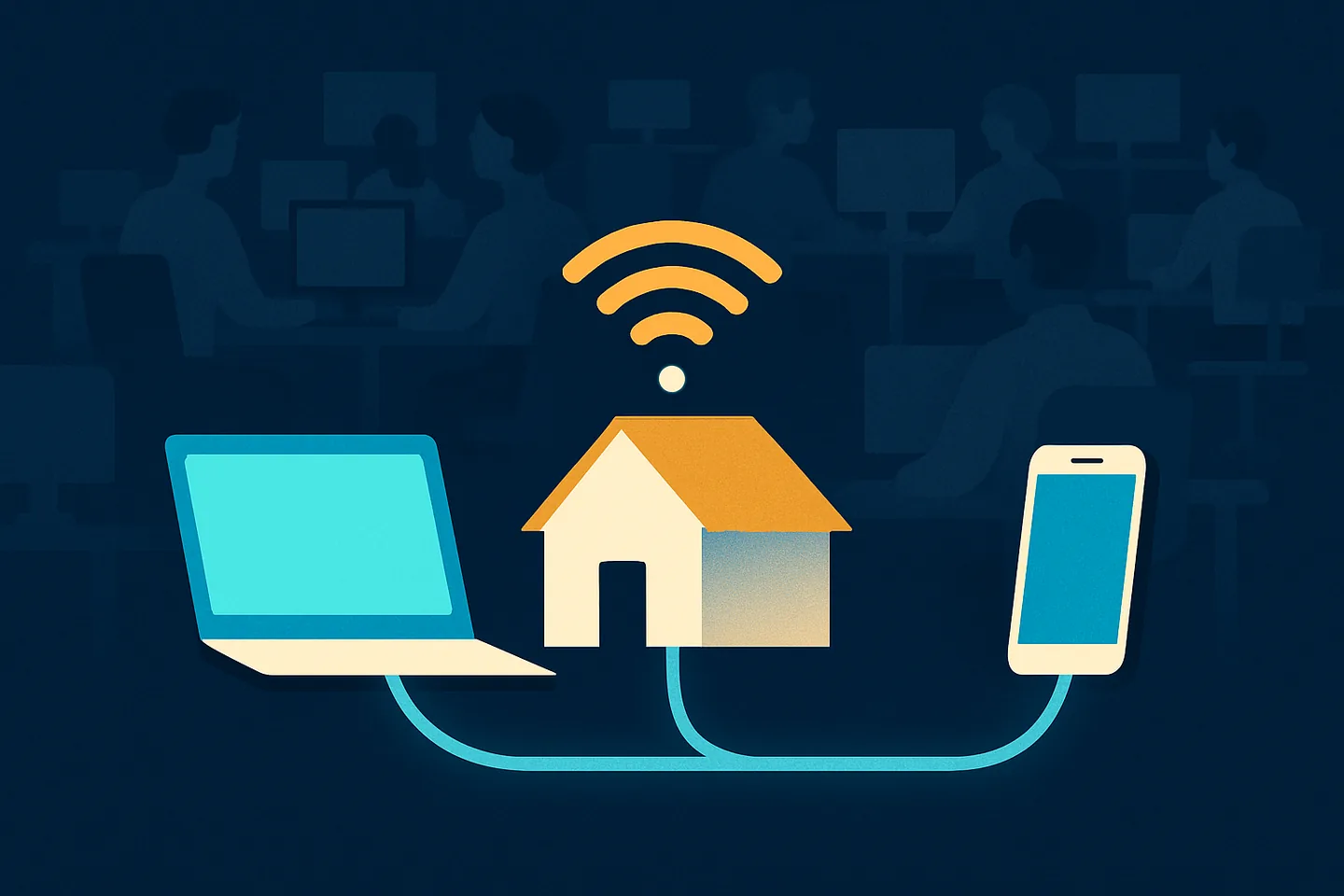
Your phone is one connection to WhatsApp. A linked device is a second one. WhatsApp Web, the desktop app and any tool that connects the way WhatsApp Web does (Spun is one) each hold their own session, and each session reaches WhatsApp from wherever it is running.
Three common setups, and what WhatsApp sees from each:
- A phone on your home or office Wi-Fi. The session comes from your own internet connection, on an address your provider gave you, shared with your household or your team and nobody else.
- A browser tab on a shared network. WhatsApp Web open on a laptop in a co-working space, a hotel, a cafe or a shared office building. The session comes from that building’s connection, on an address shared with everyone else in it, including whoever was there last month.
- A cloud tool running in a datacenter. A business inbox or automation tool that keeps a linked session open on a server. The session comes from the datacenter’s address, in whatever region that server sits, which may not be the country your phone is in.
The number does not change any of this. A virtual number, a second SIM or a landline changes your identity on WhatsApp; the address a linked session connects from is a property of the session, set by where that session runs.
Related: Where your WhatsApp connection actually comes from · WhatsApp proxies: shared pools, mobile proxies, and your own connection
What people who manage many business numbers report
The white paper is from 2019 and deliberately vague. The most detailed public account since then comes from people who manage large numbers of business WhatsApp numbers and see the bans from the other side. Their account is corroboration, not a WhatsApp document: they call their figures community-tested estimates, not WhatsApp rules, and so should you.
They describe WhatsApp taking note, from the moment a number is registered, of the phone it was registered on, the internet connection used during and after registration, where the SIM came from, and whether the number is an internet-based (VoIP) number rather than a real SIM. Their central claim is that a number whose connection does not match its home country is a mark against it before any message is sent, and that the check happens every time it connects, not once. They also report that internet-based virtual numbers start with less trust, and that a new number on a connection that was involved in a ban inherits that connection’s bad history.
On shared connections they are blunt: many business numbers running through one internet connection, or one computer, look like a single coordinated spam operation. Their stated rule is that "each number should have an isolated, consistent connection path that matches its home region", and that anyone running several numbers should give each its own connection, because a shared one turns a ban on one number into a chain of bans across all of them.
One more report is worth knowing if you have ever been tempted by a "bulk sender" browser extension. The same people say a tool that fakes WhatsApp Web in a browser can be recognised from the way it connects, regardless of how carefully its sends are timed. That fits the white paper’s line that modified clients "cannot circumvent our detection systems that run on our servers", and it is a reason those extensions keep losing numbers.
Related: Virtual numbers for WhatsApp: what works and what gets banned
The scenarios people report
None of the following is a proven cause. WhatsApp does not tell a banned user which signals fired, so nobody outside WhatsApp can say "this network got you banned". Each of these is reported repeatedly, and each is consistent with the signals WhatsApp has published and the account above.
- Linking from a co-working space or shared office where other numbers were banned. Several businesses on one connection, one running a bulk sender; the others find their numbers restricted. This is the "reputation of other users sharing the same computer network" feature, seen from the receiving end.
- VPNs and datacenter exits. A VPN puts your session on an address shared with thousands of strangers, in a datacenter, often in another country. A cloud tool does the same without the strangers. A datacenter address does not look like a home connection, and it carries whatever reputation its previous users left on it.
- A linked session that jumps between countries. Your phone is at home; the linked session is in one region today and another tomorrow because the tool moved it, or the VPN exit changed. People who manage many business numbers treat a linked device that keeps changing location as a known trigger, with a São Paulo number connecting through Frankfurt as the textbook case, which fits the paper’s use of IP and carrier information to classify accounts.
- Reusing a connection that was in use when a number was banned. The same people advise never putting a number back on a connection that was active at the moment of a ban. Whether or not the connection contributed to the first ban, it is now a network "associated with suspicious behavior" in exactly the terms the paper uses.
- Registering a new number over a shared or VPN connection. The registration-stage checks weigh the network used for registration. A fresh number registered on an address with a history starts with a score against it before it sends anything.
What stays true no matter the network
It would be convenient if the network explained everything, because the network is easy to change. It does not. The white paper describes three stages of detection, and the second and third, what you send and how people respond, carry most of the weight. Over 75% of accounts banned for bulk or automated behaviour "did not have any recent user reports", which means sending patterns got them. Even the people who make the strongest public case for the connection say most bans start with behaviour: how many replies you get, how fast you send, and how many strangers you message.
So a clean home connection does nothing for a number that sends fast, identical messages to people who never saved it, and a shared office connection is probably survivable for a number that only ever answers customers who wrote first. The network is one variable. Sending speed, consent, whether recipients saved you, and whether anyone reports you decide most cases.
The practical reading: fix your sending first, and treat the connection as the variable you remove once your behaviour is already what WhatsApp describes as normal.
Related: WhatsApp marketing without getting banned: the playbook
The fix that is yours to control: connect from where you really are
The framing matters. This is not about hiding where you are from WhatsApp, and anything sold to you on that basis is a bad idea. It is the opposite: make the session come from the place your business actually is, on the connection it actually uses, the same one your phone is on.
- Run WhatsApp Web and the desktop app from your own home or office connection, not from a shared building’s network, when the number matters to you. If you run several numbers, give each its own consistent connection rather than one shared path.
- Do not put the session behind a VPN. If you need a VPN for other work, exclude WhatsApp from it, or run the linked session on a machine that is not on the VPN.
- Do not register a new number over a VPN, a hotel or a co-working connection. Register it at home, on your own line, from the phone that will keep it.
- If a tool keeps a linked session open for you, find out where that session exits from. A datacenter in a region your phone is not in is a gap worth closing.
- After a ban, do not reconnect the number from the address that was in use when it happened. Log the session out, request WhatsApp’s review from the app, and bring the number back on a connection that was not involved.
Related: How to get a WhatsApp number unbanned: the review that works
What Spun does: Self Proxy
Spun keeps a linked session open so a team can answer one number from a shared inbox. By default that session runs on Spun’s gateway server, a datacenter address. Self Proxy changes where it exits.
With Self Proxy on, the linked session exits from a computer you own on your own connection: a Windows machine, a Mac (in beta), or a phone acting as host. WhatsApp sees the same home or office address your phone uses, and never a Spun datacenter address. The relay in between is only a meeting point; the exit address is yours.
A few details are designed around the scenarios above: same-country failover to your own computers only, with a cooldown; no reuse of an address that was in use when a ban happened; and a warning in the inbox when the connection region and the place you are browsing from stop agreeing. One consequence is easy to miss: you can still open the inbox from a cafe or hotel Wi-Fi, because the WhatsApp session itself exits from home.
WhatsApp does not publish how it weighs where a session connects from, so we make no promise about bans. What Self Proxy does is observable: it takes the one variable WhatsApp has said it scores that is otherwise decided by a datacenter, and puts it back on your own line.
Self Proxy is not a country picker and does not give you a presence somewhere you are not. It exits from wherever your computer physically is. If you want the session to come from a place, you need a real connection in that place.
Related: Where your WhatsApp connection actually comes from · WhatsApp proxies: shared pools, mobile proxies, and your own connection
The problems behind this, and how Spun handles each one
Four situations from this page, each with what it does to WhatsApp’s scoring and what Spun does about it. WhatsApp does not publish how it weighs where a session connects from, so none of this is a promise about bans; each item removes one variable.
- 1
I answer customers from a shared office network where other numbers were banned
The white paper lists "reputation of other users sharing the same computer network" among the features it scores, and a shared building’s connection carries whatever the last tenant did on it. Self Proxy runs the linked session from a computer you own on your own home or office connection, so WhatsApp sees the same address your phone uses and never a Spun datacenter address; that computer has to stay on and online.
- 2
My linked session shows up in a different country from my phone
A session that moves between regions fits the IP and carrier signals WhatsApp uses to classify accounts, and people who manage many numbers treat it as a known trigger. With Self Proxy, if your computer goes offline the session fails over only to another of your own computers in the same country, with a cooldown so a flapping machine cannot bounce the line, and the inbox warns you when the connection region and your location disagree; with no second computer enrolled, the session loses its route and the settings card says so rather than pretending.
- 3
The number was banned and I reconnected it from the same place
A connection in use at the moment of a ban is now a network "associated with suspicious behavior" in the paper’s own terms. Spun never reuses an address that was in use when a ban happened, parks a banned line rather than auto-restarting it, and walks you through WhatsApp’s own review before "My number is restored, reconnect"; the review is WhatsApp’s decision, not Spun’s.
- 4
I travel and work from cafes and hotel Wi-Fi
When a browser tab is the linked device, the network that tab sits on is the network the session connects from. With Self Proxy the WhatsApp session exits from your home or office computer, so you can open the Spun inbox from any public network without the session following you; it is not a country picker, and the session exits from wherever that computer physically is.